Microsoft-ын шинэчлэлтийн улмаас зарим тоглоом ажиллахаа болих эсвэл гэнэт хаагдах зэрэг техникийн асуудал үүсээд байна.
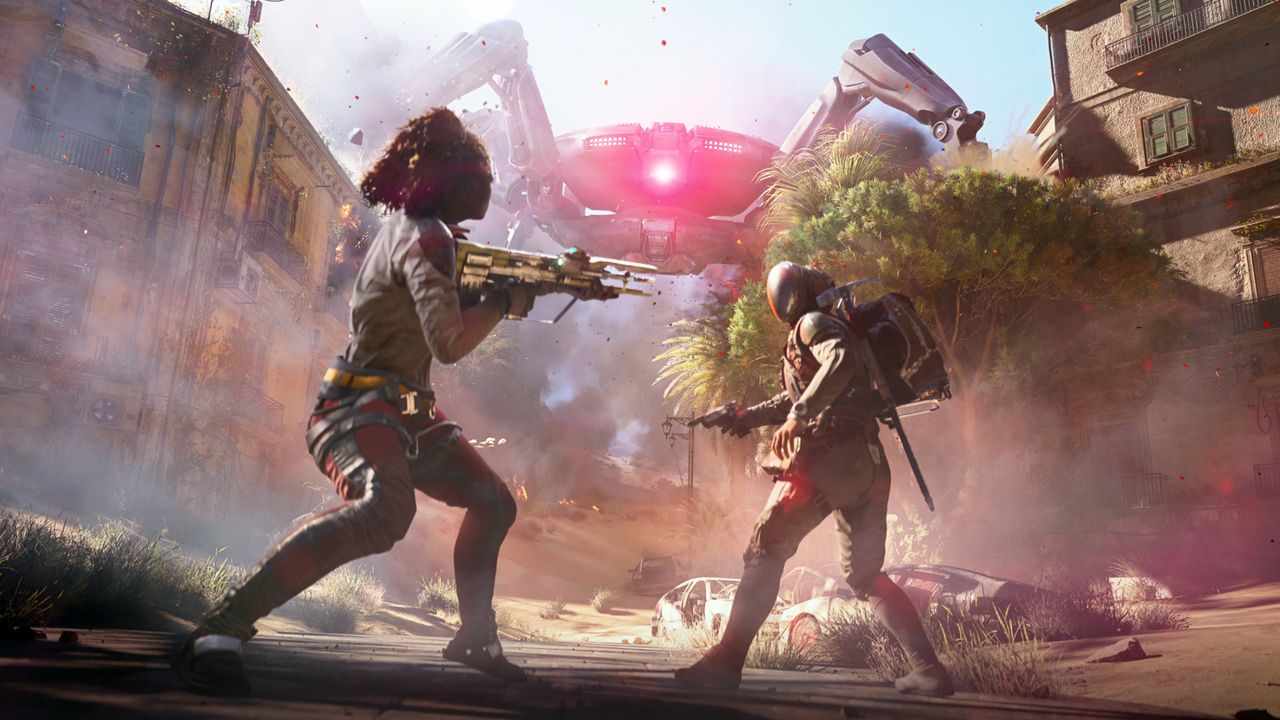
Наймдугаар сарын 11-нээс хойш Windows 11 үйлдлийн системд хийгдсэн шинэчлэлтүүд нь Arc Raiders, Marvel Tōkon: Fighting Souls болон The Finals зэрэг тоглоомуудад асуудал үүсгэж эхэлжээ. Microsoft-ын мэдээлснээр, хэрэглэгчид тоглоом хариу үйлдэл үзүүлэхгүй болох, гэнэт хаагдах, “EXCEPTION_ACCESS_VIOLATION” гэсэн алдаа гарах эсвэл төхөөрөмж өөрөө дахин асах зэрэг доголдолтой тулгарч байна. Одоогоор зөвхөн 25H2 болон 24H2 хувилбаруудад энэ асуудал илэрч байгаа бөгөөд 26H1 хувилбарт нөлөөлөөгүй байна.
Arc Raiders тоглоомын хөгжүүлэгч Embark студийн зүгээс энэхүү доголдол нь Windows-ын шинэчлэлтээр өөрчлөгдсөн inpoutx64.sys файлтай холбоотой болохыг мэдэгджээ. Тэд түр зуурын шийдэл болгон Command Prompt дээр ‘sc stop inpoutx64’ болон ‘sc delete inpoutx64’ командыг ашиглан драйверын хавтсаас тухайн файлыг устгахыг зөвлөсөн боловч үүнийг хэрэглэгчид өөрсдийн эрсдэлээр хийх шаардлагатай юм.
KB5121003 дугаар бүхий шинэчлэлт нь 400 гаруй аюулгүй байдлын засварыг агуулж байгаа хэдий ч тоглоомын асуудалд яг аль өөрчлөлт нөлөөлж байгаа нь тодорхойгүй байна. Мөн зарим хэрэглэгчид Valorant болон Roblox тоглоомуудад график дүрслэлийн доголдол үүсэж байгааг мэдээлсэн бөгөөд KB5121003 шинэчлэлтийг устгаснаар дэлгэц харлах асуудал шийдэгдэж байгааг дурджээ.
Хэрэв танд дээрх асуудлууд тулгарсан бол Windows Update хэсэг рүү орж, Update history цэсээр дамжуулан KB5120708 шинэчлэлтийг устган, хуучин хувилбартаа буцаж шилжих боломжтой. Microsoft-ын зүгээс асуудлыг судалж байгаа бөгөөд албан ёсны нөхөөс хэзээ гарах талаарх хугацаа одоогоор тодорхойгүй байна.
Дэлгэрэнгүйг эх сурвалжаас харах
↓Эх сурвалжийг нээх ↓
If your games started unexpectedly crashing after getting a Windows update on or after August 11, you aren’t alone. And Microsoft says it’s looking into the problem. Microsoft reports the following “symptoms” popped up for “a limited number of games”:
- The game application becomes unresponsive
- The game application closes without notice
- The error “EXCEPTION_ACCESS_VIOLATION” is displayed
- The device restarting without warning
Microsoft has only confirmed crashes in Arc Raiders, Marvel Tōkon: Fighting Souls, and The Finals so far, but you can send feedback to Microsoft with the Feedback Hub app if you’ve also found a game crashing since the update.
Microsoft says it is investigating to see if the latest Windows update is responsible. As of right now, the only client versions that have reported crashes are 25H2 and 24H2, so 26H1 is currently in the clear.
But Embark, the developer of Arc Raiders, claims on Discord that the “This is a crash related to the file inpoutx64.sys, which changed with the Windows update” (via Windows Latest).
If Embark is correct, it looks like you might have to wait until a future Windows update for this problem to be officially fixed. However, Embark notes that you can type ‘sc stop inpoutx64’ into Command Prompt, then type ‘sc delete inpoutx64’ and delete the inpoutx64.sys file from your drivers folder to fix the problem in the short term. We haven’t personally tried this method as we haven’t had any crashing issues, so do so at your own risk.
Update KB5121003, which is said to be the update responsible for the crashes, contains over 400 security updates, although it’s not clear yet if changes related to these fixes are responsible for the issues..
Some users have also reported graphical corruption problems after the latest Windows update. One user on Reddit demonstrates problems in Valorant and Roblox using both a dedicated graphics card and an integrated graphics card. Some users report that uninstalling KB5121003 has fixed black screen problems.
If you have run into the problem and want to test rolling back your Windows version, you can do so by following the steps below:
- Search Windows Update on the Start tab
- Click on Update history
- Scroll down and click Uninstall updates
- Uninstall update KB5120708
We don’t yet have a timeline for when we can expect a patch, but uninstalling the latest update may be a good workaround until then.