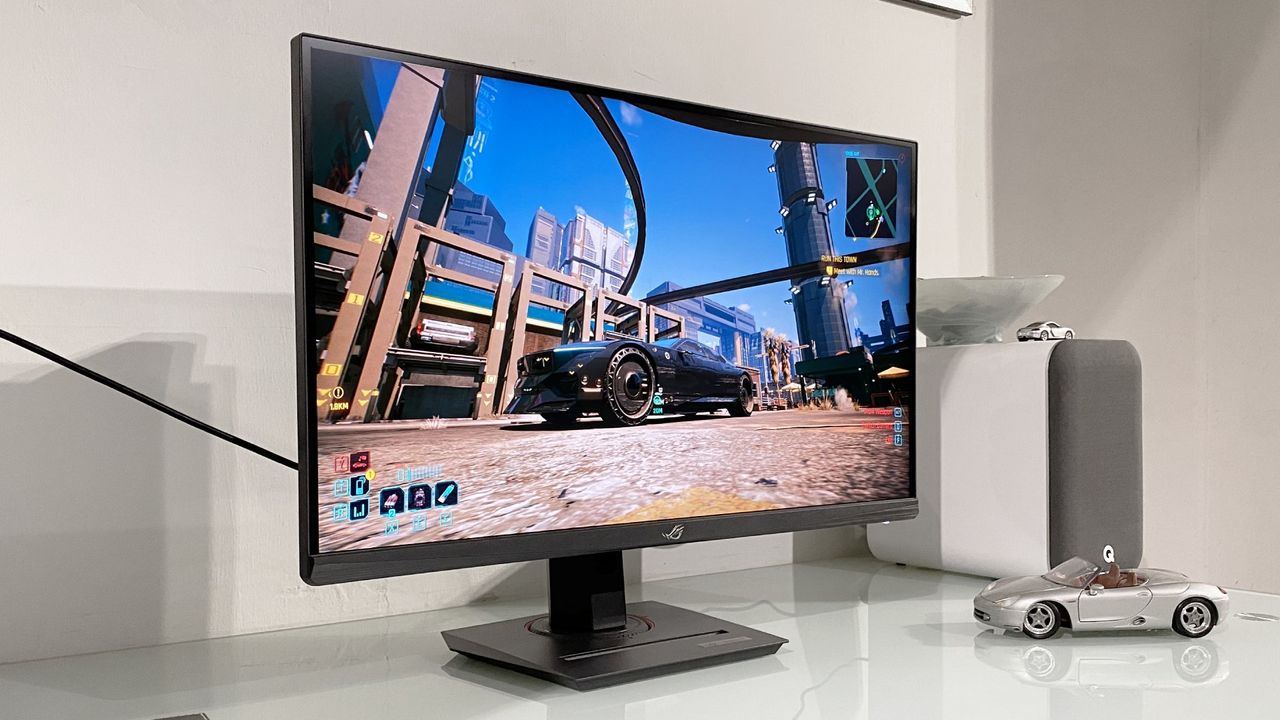
Хос горимт мониторууд нь өндөр нягтрал болон өндөр фрэймийн давтамжийн хооронд шилжих боломжийг олгодог хэдий ч ашиглалтын хувьд зарим нэг сул талтай хэвээр байна.
Сүүлийн жилүүдэд PC-ийн бусад бүрэлдэхүүн хэсгүүдийн үнэ өсөж байгаа хэдий ч тоглоомын мониторуудын үнэ-чанарын харьцаа мэдэгдэхүйц сайжирчээ. Ялангуяа QD-OLED дэлгэцүүд 300 ам.долларын үнэд хүрсэн нь зах зээлийн нөхцөл байдал эерэг байгааг харуулж байна. Гэсэн хэдий ч Koorui G2741L зэрэг хос горимт (4K/1080p) мониторуудыг туршиж үзэхэд хөгжүүлэгчид энэ технологийг илүү боловсронгуй болгох шаардлагатай нь харагдаж байна.
Хос горимт мониторын гол давуу тал нь ганц тоглоомын үед 4K нягтралыг, өрсөлдөөнт тоглоомын үед 1080p нягтрал болон өндөр фрэймийн давтамжийг сонгох боломж юм. Гэвч ихэнх загварт горим хооронд шилжих процесс нь физик товчлуур болон програм хангамжийн улмаас удаан, төвөгтэй байдаг. Үүнээс гадна, 1080p горимд шилжих үед зураг бүрэлзэх, чанар муудах асуудал ажиглагддаг нь ихэнх монитор интерполяцийн алгоритм ашигладагтай холбоотой юм.
Alienware AW2725QF зэрэг зарим загвар нь “integer scaling” буюу пиксел давхарлах аргыг ашигласнаар илүү тод дүрслэлийг санал болгож байна. Хэдийгээр эдгээр монитор нь зарим талаар буулт хийхийг шаарддаг ч тоглоомчдын хувьд 4K болон 1080p горимын хооронд хурдан шилжих боломж нь томоохон давуу тал хэвээр байна. Ирээдүйд програм хангамжийн шинэчлэлт болон илүү боловсронгуй дүрс сайжруулах технологиуд нэвтэрснээр хос горимт мониторууд улам бүр түгээмэл болох төлөвтэй байна.
Дэлгэрэнгүйг эх сурвалжаас харах
↓Эх сурвалжийг нээх ↓
The memory crisis may be in full swing, taking numerous PC components with it, but the value of gaming monitors is one of a few hardware things that has actually improved over the last few years. In fact, their price-to-quality ratio is kind of outrageous right now, with even relatively recent QD-OLED screens going for around $300.
As such, monitors are one of the few things I check over without rolling my eyes, and therefore, they’re one of a handful of techie bits that actually excites me. But that doesn’t mean even they can’t improve; when I chatted to gaming monitor brand AOC a few months ago, even its designers are aware the software isn’t up to snuff.
I’ve been testing out the Koorui G2741L, a dual mode 4K/1080p monitor, over the last few weeks, and all I can think is ‘gosh, why aren’t more companies doing dual mode,’ and ‘why aren’t more companies doing dual mode better?’
The central argument for dual mode makes so much sense to me. When you want your games to look pretty, you swap to 4K at a lower refresh rate, and when you want something snappy and competitive, you drop it to 1080p with a much higher refresh rate. You can get dual mode monitors like this Acer Nitro 4K/1080p one for as cheap as $160, they’re even pretty reasonably priced right now (even if the 4K refresh rate is a pretty tiny 72 Hz).
Sure, you can technically just swap the resolution of your monitor at any time, but dual mode gives you access to a max refresh rate that is above what you would get if you just turned down the resolution of a 4K monitor.
But dual mode monitors have a few problems. For one, the thing I spotted instantly with the Koorui is that the swap between 4K and 1080p is a tad slow. The swap happens with a physical button, and in the case of the Koorui, it’s a series of physical buttons. These navigate through the monitor’s built-in software to then switch modes. It also just takes a while to swap, and the more seconds it adds, the less convenient it feels.
Another problem with dual mode monitors is the added blur. 1080p on a dual mode monitor tends to look worse than 1080p on a 1080p native screen. The reason 4K dual mode monitors go down to 1080p is that dual mode traditionally reduces the resolution to a quarter while doubling the refresh rate (though some monitors now triple or quadruple the refresh rate).
Most gaming monitors seem to use some sort of interpolation algorithm. Our Jeremy said in his Asus ROG Strix XG27UCG review, “You wouldn’t want to use this monitor’s 1080p mode on the desktop. It’s a little soft and blurry. However, in-game it actually works pretty well and is certainly preferable to 1080p interpolated in the normal fashion onto a 4K panel.”
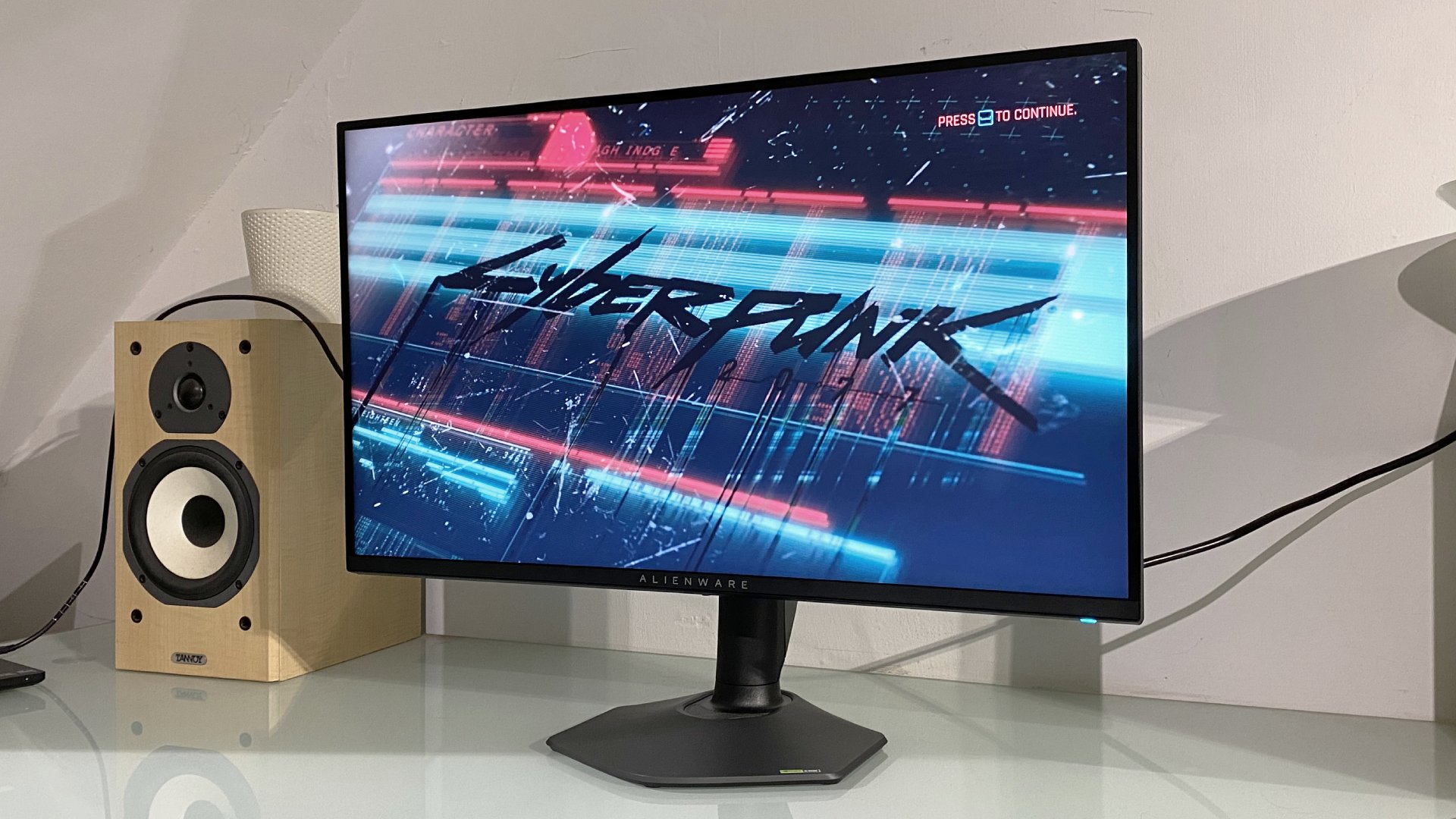
Gaming monitor companies do have the ability to make better dual mode monitors. The Alienware AW2725QF opts for a form of pixel doubling (doubling up pixels in both vertical and horizontal directions), getting you much closer to a ‘native 1080p’ resolution. This is called integer scaling.
So, right now, if you buy a dual mode monitor, you are likely making a compromise on the lower of the two resolutions. But even with that downside, I’d take a 4K desktop experience and 4K gaming in singleplayer games, then 1080p for competitive games over 4K for absolutely everything.
There’s plenty of room for dual mode monitors to grow. Just look at how far OLEDs have come since their inception: Burn-in has become far less of a problem, and LG’s latest RGB Stripe panel has effectively killed font fringing. Not only could interpolation algorithms get better, but integer scaling could become more commonplace with the growth of the dual mode market.
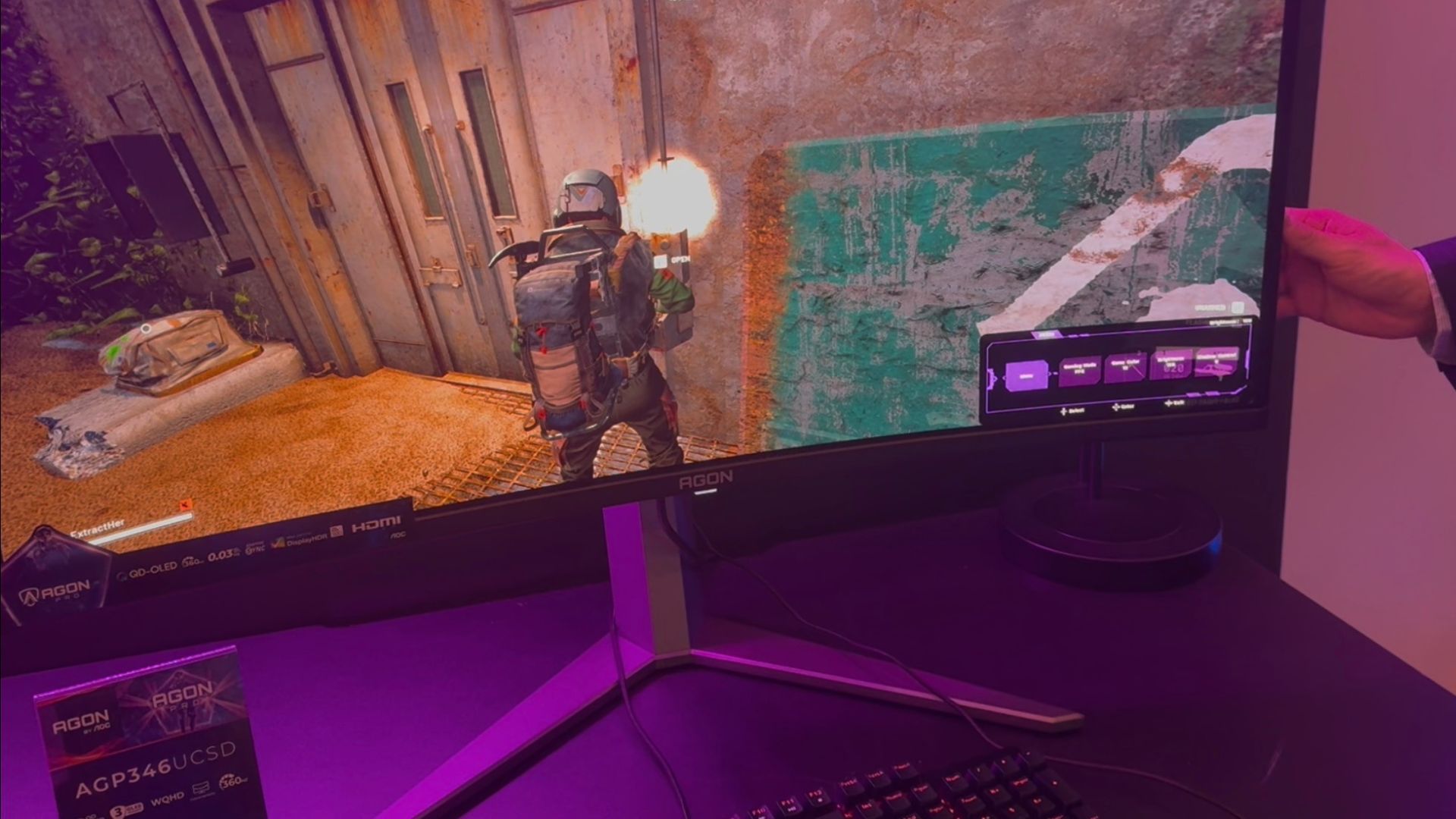
The same could be said for the process of actually swapping modes. The ability to swap between resolutions could benefit from being snappier and easier to access. I’d personally love a single button that makes the swap in just a moment. And I’d also love that the biggest downside of swapping to 1080p is simply the resolution, and no other artifacting or blur.
But even now, with its flaws, I quite like dual mode. 1080p for some gaming on a dual mode monitor, even with plain ‘ol interpolation, works well enough, and 4K for a standard desktop experience isn’t such a resource hog that I’d want 1080p for it anyway.
I particularly like the fact that the price point has become so good on dual mode monitors that it’s almost just an added bonus, and not something you specifically pay more for. As even OLEDs are becoming downright reasonably priced, I’d love for dual mode to get the love it deserves. Now, a value-oriented dual mode OLED monitor with integer scaling and good software? That’s the dream.


Тоглоомын мониторын хоёр горим үнэхээр тухтай байх шиг байна. Та ямар төрлийн тоглоомд илүү их цаг зарцуулдаг, энэ хоёр горим таны тоглоомын туршлагад хэр нөлөөлж байна гэж боддог вэ?